
Your own agreement
Built from a template library and laid out like the paper form your renters already know.
Talara's Forms & contracts is rental agreement and e-signature software for car rental businesses. Your own agreement, laid out like your paper one, is filled in from the deal, signed in person or by a secure link, and kept as a PDF with every check-out, check-in and audit form.
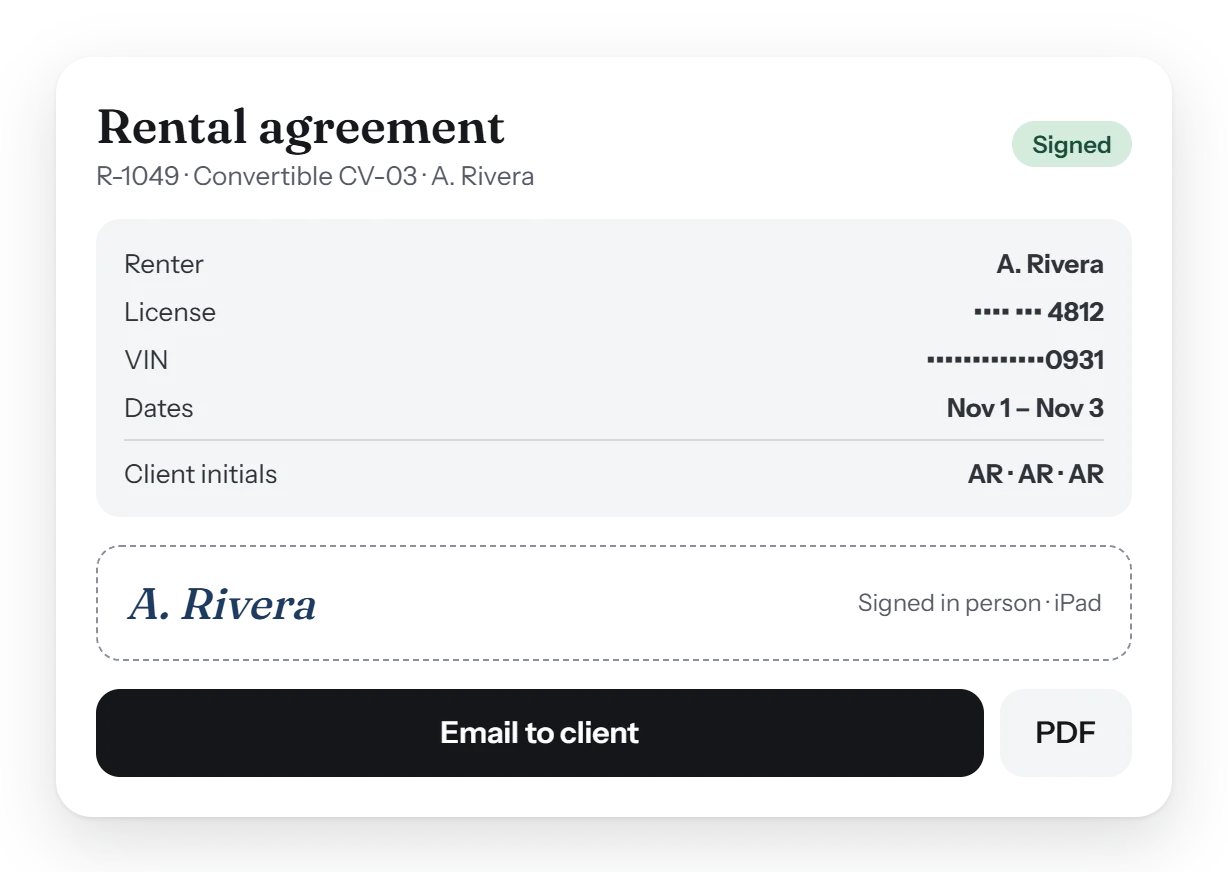
Talara fills your own rental agreement in from the deal and the renter signs once, in person on the iPad or the web, or by a secure link. Check-out, check-in and audit forms share one damage diagram, and every form becomes a PDF with the license and VIN masked, sent only when staff press Email to client.
Paperwork that fills itself in. Nothing typed twice: the agreement and the forms read from the deal and the car.
Built from a template library and laid out like the paper form your renters already know.
On the showroom iPad or the web where the client stands, or by a secure signing link sent to them.
The renter signs once for the booking instead of signing the same terms again and again.
Check-out, check-in and audit forms with the damage diagram, filled in at the curb.
Each form becomes a PDF with the license number and VIN masked.
What the business prints stays in its language; staff screens can be English or Spanish.
Every form's PDF, in two parts. Check-out and check-in PDFs share the same layout, so the two are easy to lay side by side when a renter asks.
Yes. Your agreement is set up from a template library and laid out like your paper form, then filled in from each deal.
Yes. Send a secure signing link, or have the renter sign in person on the iPad or the web.
No. A client copy goes out only when staff press Email to client, so nothing reaches a renter by surprise.
No. The license and the VIN are masked on every form's PDF.
The rental agreement, the check-out and check-in forms, and the two-weekly vehicle audit, all on one damage diagram.
A short walk-through with your own cars, prices and paperwork, and an honest answer to what Talara does today.