
Every tracker on a live map
A big map of every active tracker, even one that isn't on a car yet.
Fleet Tracking is a Talara module that brings your own GPS trackers into Talara: every car on a live map, an A–F driving grade for each rental, each rental day replayed, and the tracker's readings at check-out and check-in.
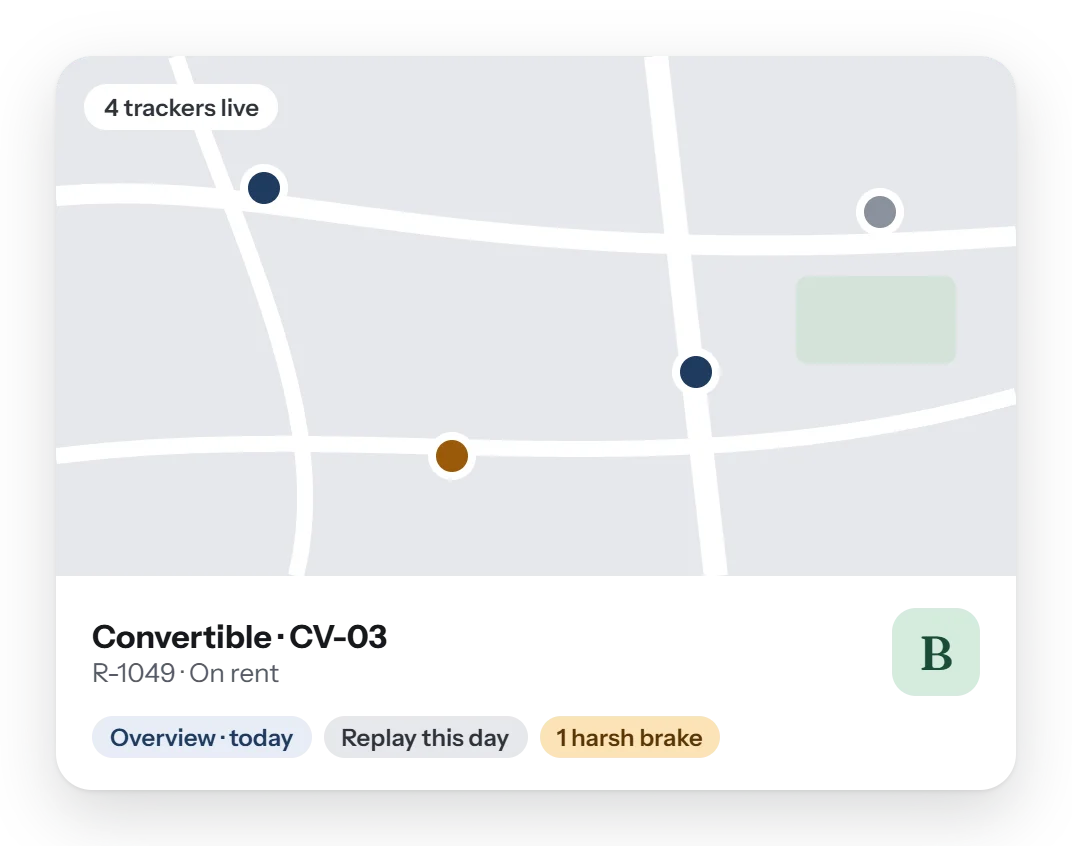
Talara reads the GPS trackers your business already has, through your GPS provider, and ties each one to its car. You see every tracker on a live map, each rental gets an A–F driving grade, and the tracker's readings are taken at check-out and check-in. Alerts inform you; they never audit your staff.
Your trackers, inside the rental they belong to. No second website to check: the map, the grade and the readings sit with the car and the order.
A big map of every active tracker, even one that isn't on a car yet.
Talara's own score for each rental, and for driving off a rental too.
Replay a day of a rental, and open a tracker's Overview of today or yesterday.
The tracker's readings at check-out and check-in, and Save as incident when something happened.
Moving without a rental, a device problem, harsh driving or a collision. Alerts never audit what staff do about them.
A tracker and its car's GPS number are linked both ways, so each always finds the other.
From the tracker's side, Pickup to Return.
The tracker's reading is taken with the check-out form.
The car shows on the live map; alerts tell you about harsh driving or a collision.
Open the day's Overview, or replay the day.
The reading is taken again; Save as incident if something happened.
The rental's A–F driving grade stays with the order.
No. Talara reads the trackers you already have, through your GPS provider.
It's Talara's own A–F score for each rental, from the tracker's driving data. Driving off a rental gets a grade too.
No. It keeps a daily summary per tracker as numbers only, for 13 months; places and routes are looked up when you ask and never stored.
No. Tracking's rental days are for display only and are never used for billing.
Moving without a rental, a device problem, harsh driving and a collision. Alerts inform you and never audit what staff do.
A short walk-through with your own cars, prices and paperwork, and an honest answer to what Talara does today.